Review or cancel your booking
Find your reservation and check the effect before cancelling.
Before you begin
Check the reservation's date, time and payment state. Keep the booking until you are sure you want to release the place.
What to do
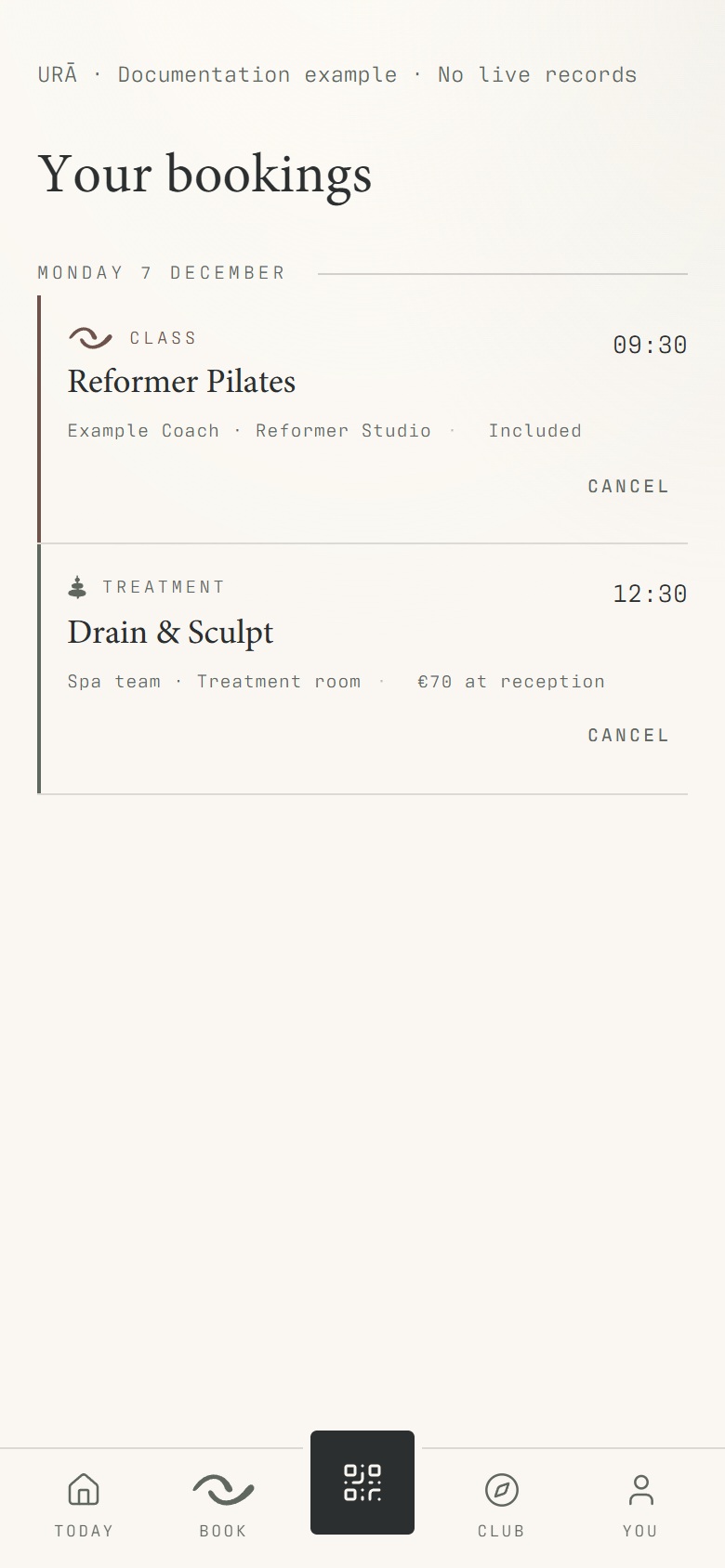
Open You → Bookings.
Choose the upcoming reservation and verify its date and time.
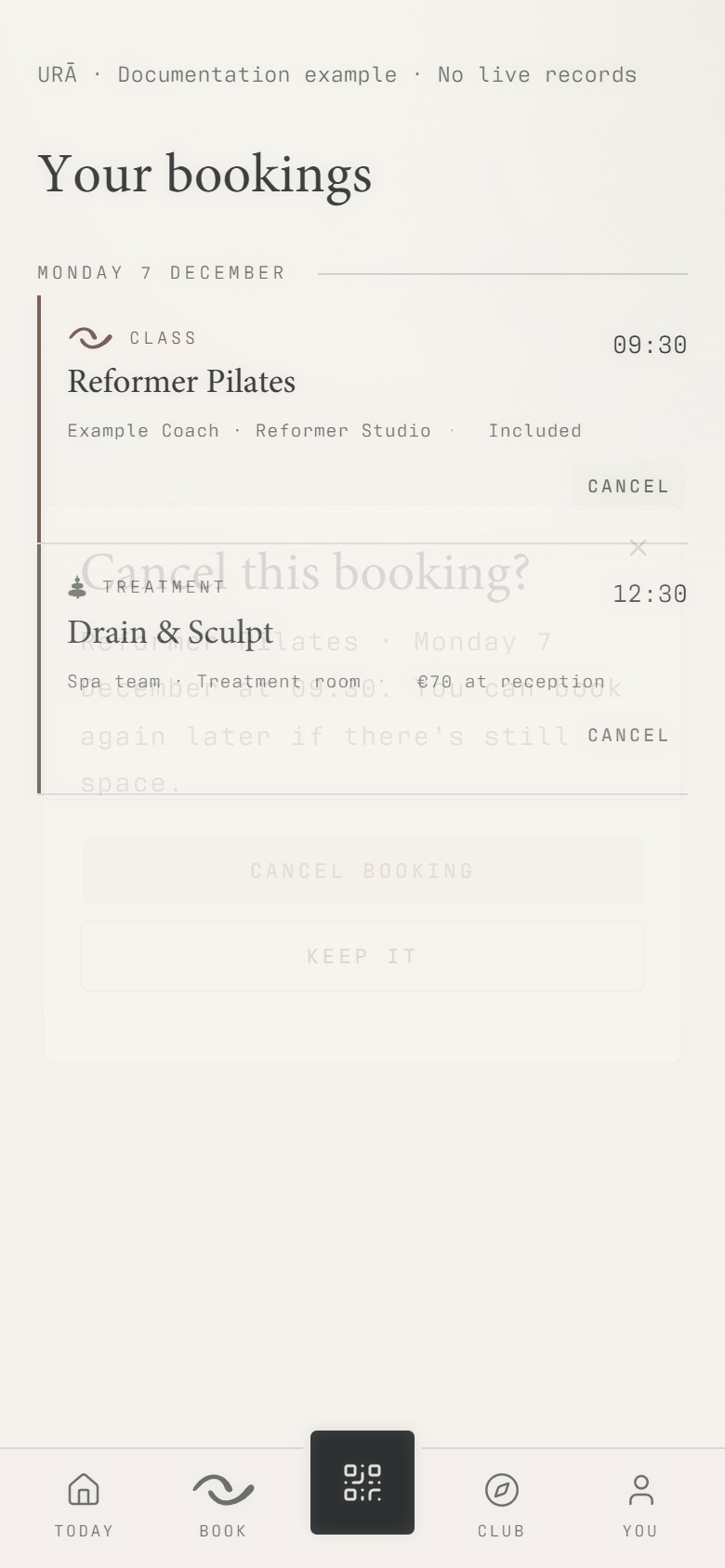
Tap Cancel if cancellation is available.
Read the confirmation, including any stated cancellation restriction, then confirm.
Return to Bookings to check the resulting status.
What should happen
After confirmation, the reservation's status changes. Reopen the list and verify the intended booking was affected.
Example
To cancel tomorrow's class, open that reservation rather than another session with the same name next week.
Screen guide
Troubleshooting
There is no Cancel button, or I need a refund.
Cancellation availability depends on the reservation and its timing. Contact reception with the exact booking details. A cancelled place and a returned payment are separate records; do not assume one proves the other.
Understand the difference
- Account / access pass
- An account lets a person sign in. Club entry also depends on membership or visit validity, payment, approval and restrictions. Guests use their private browser pass rather than needing a member login.
- Plan allowance / prepaid package / courtesy
- A plan allowance is a membership benefit. A prepaid package has its own session balance. A courtesy invitation is granted at no charge. Select the correct entitlement instead of changing the membership to make a treatment fit.
Before you finish
Cancelling a place does not necessarily issue a refund. Contact reception about payment corrections or a booking you cannot cancel.