Check bookings and record attendance
Distinguish attendance from booking and cancellation states.
Before you begin
Open the exact class occurrence and confirm the instructor and roster. Booking totals alone do not prove attendance.
What to do
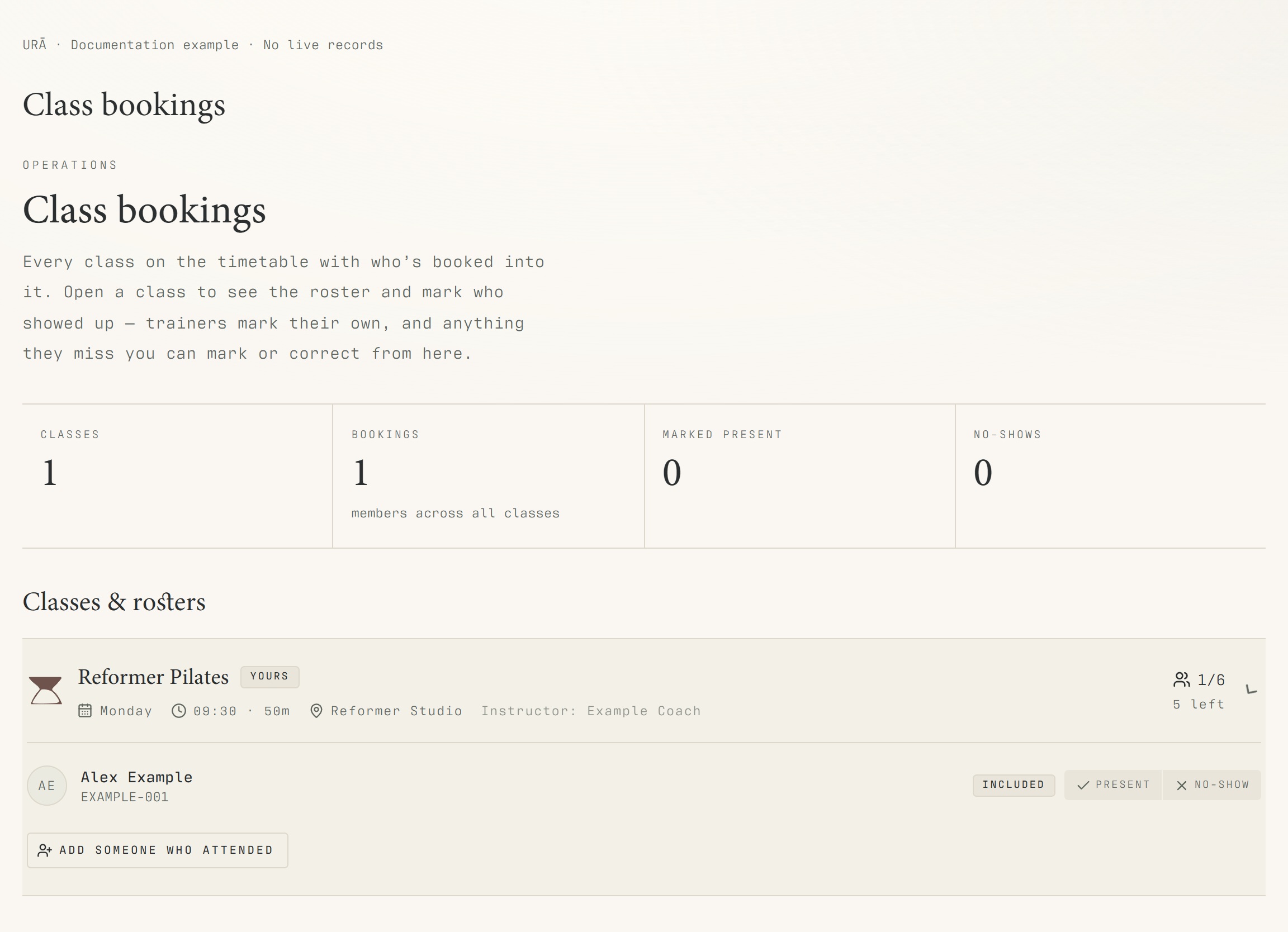
Open Class bookings and select the relevant class occurrence.
Check the date, instructor and list of booked people.
Mark each person's attendance or no-show using the available controls.
For a past day, open Classes → Class bookings and attendance and select that exact date.
Review attended, no-show, unmarked and cancelled entries separately.
What should happen
Each booked person has the appropriate attendance or no-show state. Historical reservations remain distinguishable from cancellations.
Example
Six bookings with four present, one no-show and one unmarked need a final attendance review; they are not six attended visits.
Screen guide
Troubleshooting
Why is the total booked different from the number attended?
Some people may be unmarked, cancelled or no-shows. Review each state for the selected occurrence rather than treating the booked count as an attendance total. Check the chosen date before correcting a historical record.
Understand the difference
- One date / recurring series
- A dated class is one occurrence. A recurring series supplies repeated sessions. Choose the scope in the change dialog and check the date before confirming; review later weeks separately.
- Booked / attended / cancelled
- Booked reserves a place. Attended records presence. No-show records absence. Cancelled ends the reservation or session. These states should not be counted interchangeably.
- Member / trainer / reception
- A member login is for personal bookings and access. Trainers use invited staff accounts for assigned work. Reception and administrators receive broader tools according to their actual permissions.
Before you finish
A person who cancelled is different from a person who did not attend. Historical booking details remain on record even if the recurring class is later changed.