Use your trainer schedule
View your assigned sessions and attendance with your staff login.
Before you begin
Use your invited staff email and Staff access. Confirm that reception assigned your account to the intended dated classes.
What to do
Use Staff access and sign in with the email invited as a trainer.
Open your trainer schedule and check the actual occurrence date.
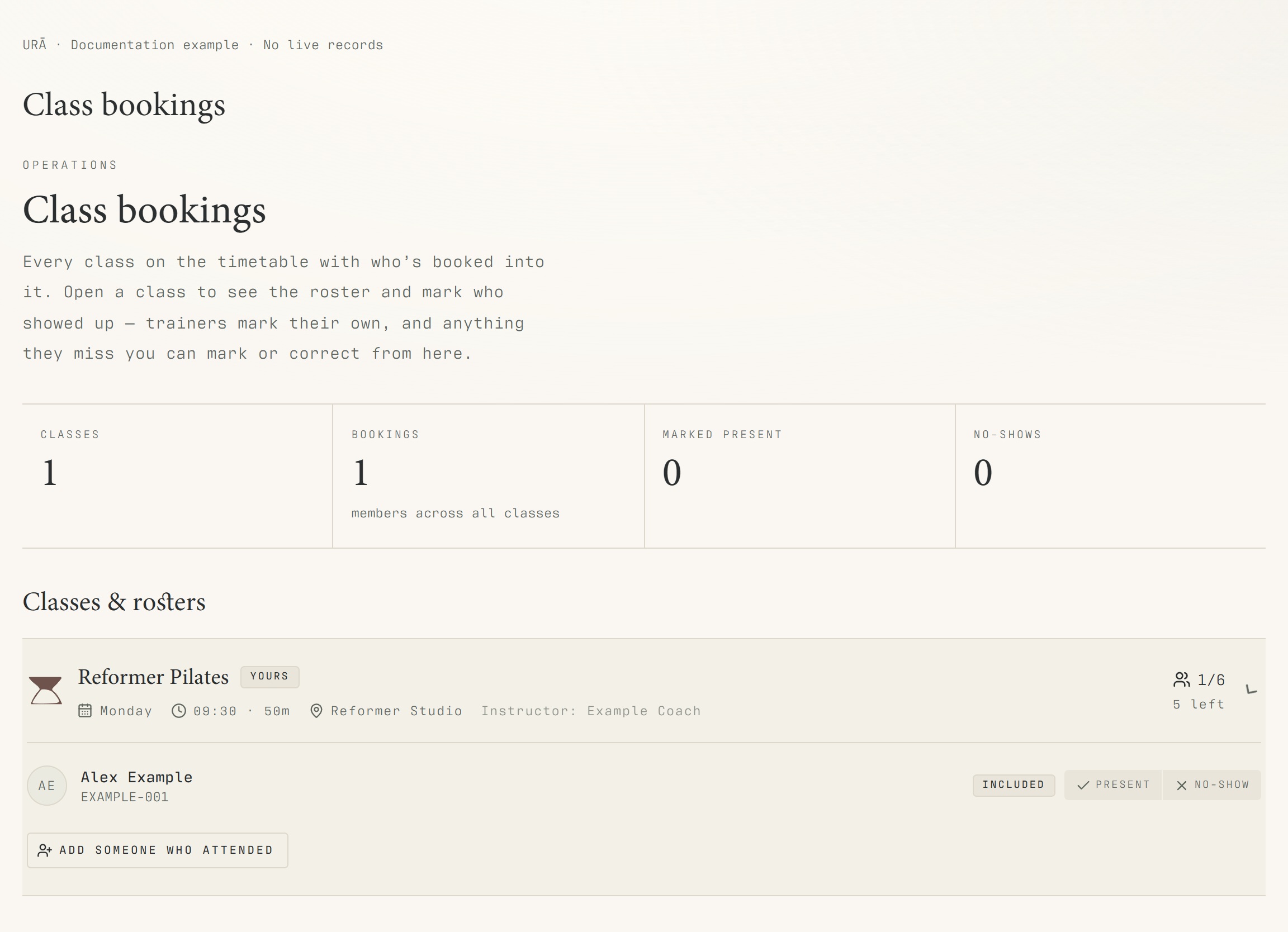
Open your class roster and review bookings.
Record attendance for the people in the class using the available controls.
Ask reception or the head coach to change a class if your account does not have class-management permission.
What should happen
Your schedule opens with your assigned rosters and attendance controls. Broader editing tools appear only with the appropriate permissions.
Example
A substitute assigned for one Tuesday should check that Tuesday's roster, rather than assume the recurring class belongs to them every week.
Screen guide
Troubleshooting
I can log in but cannot see a class or edit it.
Check the selected date and instructor assignment first. Regular trainers have scoped access. Ask the head coach or reception to review the assignment or management permission; do not create a member account to obtain editing rights.
Understand the difference
- One date / recurring series
- A dated class is one occurrence. A recurring series supplies repeated sessions. Choose the scope in the change dialog and check the date before confirming; review later weeks separately.
- Booked / attended / cancelled
- Booked reserves a place. Attended records presence. No-show records absence. Cancelled ends the reservation or session. These states should not be counted interchangeably.
- Member / trainer / reception
- A member login is for personal bookings and access. Trainers use invited staff accounts for assigned work. Reception and administrators receive broader tools according to their actual permissions.
Before you finish
Regular trainers see their assigned work. Broader timetable editing and other staff tools depend on additional permissions; a public guide does not grant that access.