Manage settings and communication
Find the relevant area and verify a change before using it for the team.
Before you begin
Use an authorized account and identify the affected setting. Note the current value so you can review an unintended change.
What to do
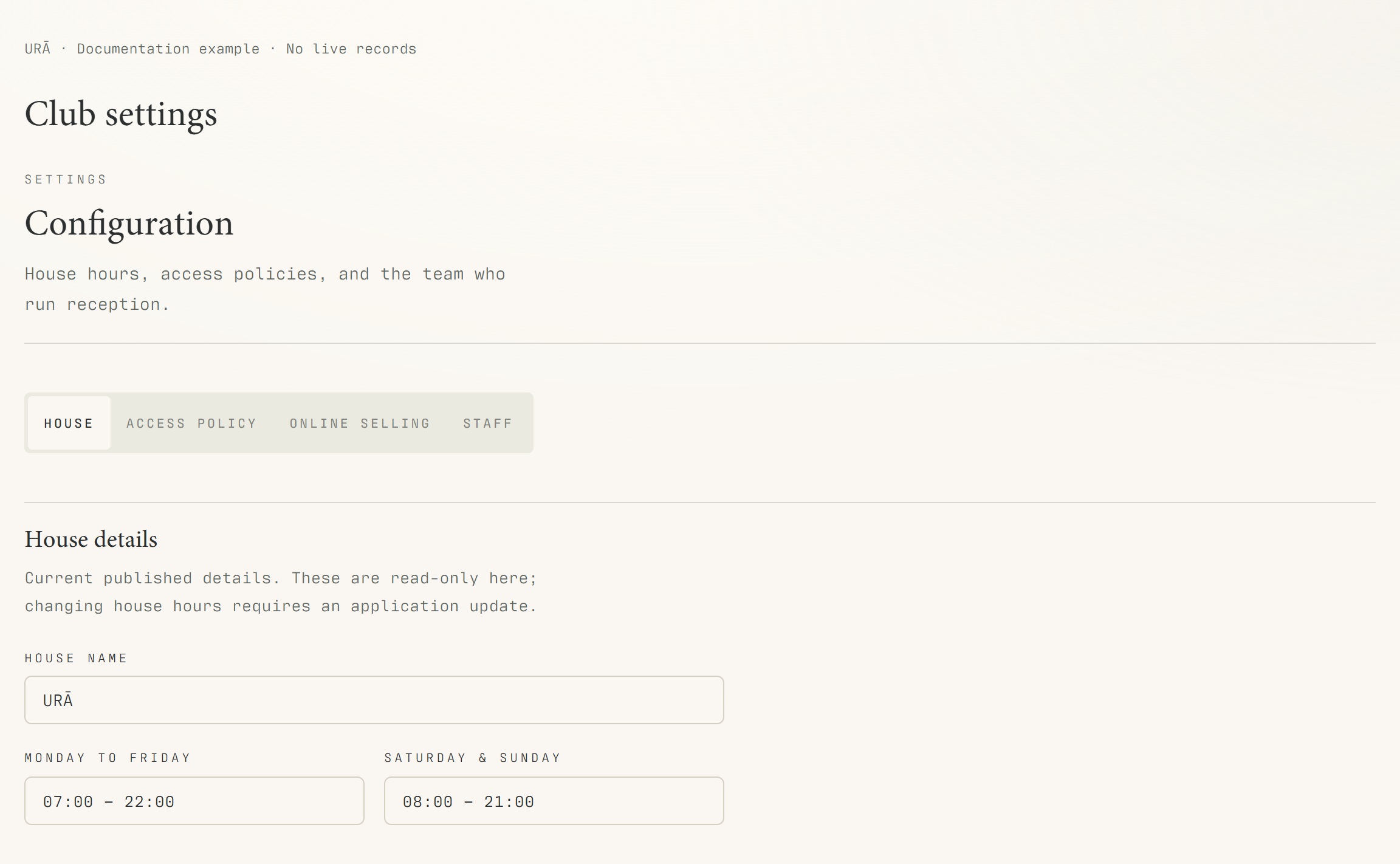
Open Configuration for settings available to your account.
Review the current value before making a change.
Save and check the affected screen.
Use Newsletter for authorized bulk communication, or the member's Emails tab for their email history.
If a screen or action is missing, ask a manager to review the role and permitted areas.
What should happen
The saved value appears when you reopen the screen and the relevant feature behaves as expected.
Example
After a communication-setting change, check the intended screen before telling the whole team to use the new process.
Screen guide
Troubleshooting
Why can another staff member see more options?
Access depends on roles and permitted areas. Ask management to review the correct staff account rather than sharing another person's credentials. Configuration, member email history and Newsletter are separate tools.
Understand the difference
- Account / access pass
- An account lets a person sign in. Club entry also depends on membership or visit validity, payment, approval and restrictions. Guests use their private browser pass rather than needing a member login.
- Plan allowance / prepaid package / courtesy
- A plan allowance is a membership benefit. A prepaid package has its own session balance. A courtesy invitation is granted at no charge. Select the correct entitlement instead of changing the membership to make a treatment fit.
Before you finish
Never put API keys, staff passwords or real member data into a public help-centre example.