Review a member's history and notes
Check what changed before making another correction.
Before you begin
Identify the person using more than a name. Decide whether you need account changes, purchases, membership history or scans.
What to do
Open Members and the correct person's profile.
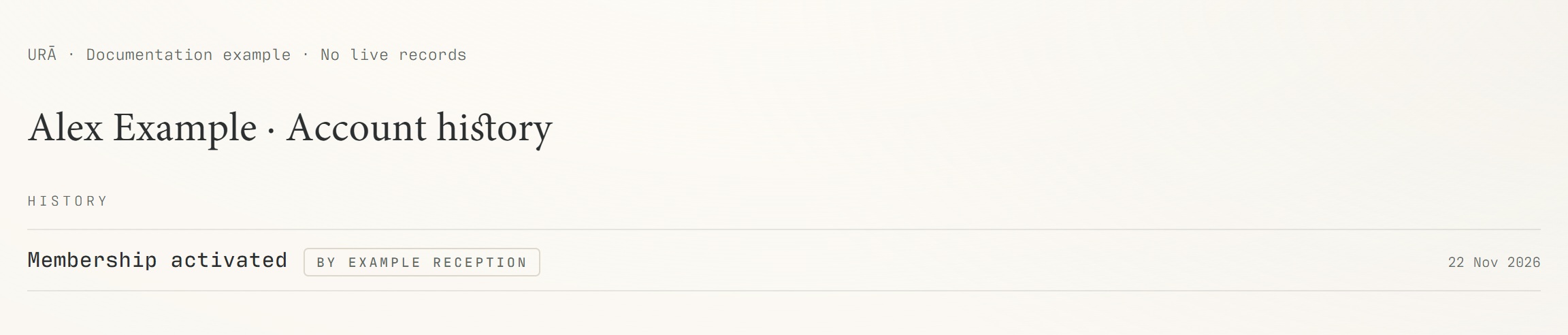
Open History for recorded account activity.
Use Memberships, Purchases and Scan history for their specific records.
Check the date and staff attribution when available.
Record relevant context in Notes and save it.
What should happen
You can relate a recorded change to its date and staff attribution where provided, then make a correction with context.
Example
To review an extension, compare membership dates and the recorded reason; to review a massage payment, open that appointment.
Screen guide
Troubleshooting
History does not explain whether a massage was paid.
Check the appointment payment label and Purchases as well as account history. A completion event shows delivery, not necessarily payment. Include a note explaining a correction when appropriate, without replacing the underlying payment record.
Understand the difference
- Account / access pass
- An account lets a person sign in. Club entry also depends on membership or visit validity, payment, approval and restrictions. Guests use their private browser pass rather than needing a member login.
- Plan allowance / prepaid package / courtesy
- A plan allowance is a membership benefit. A prepaid package has its own session balance. A courtesy invitation is granted at no charge. Select the correct entitlement instead of changing the membership to make a treatment fit.
Before you finish
History and payment records answer different questions. Do not infer that a treatment was paid merely because it was marked completed.