Create, change or deactivate a plan
Maintain the catalogue reception and member filters use.
Before you begin
Review the intended name, price, duration and benefits. Distinguish a catalogue change from a correction to an individual membership.
What to do
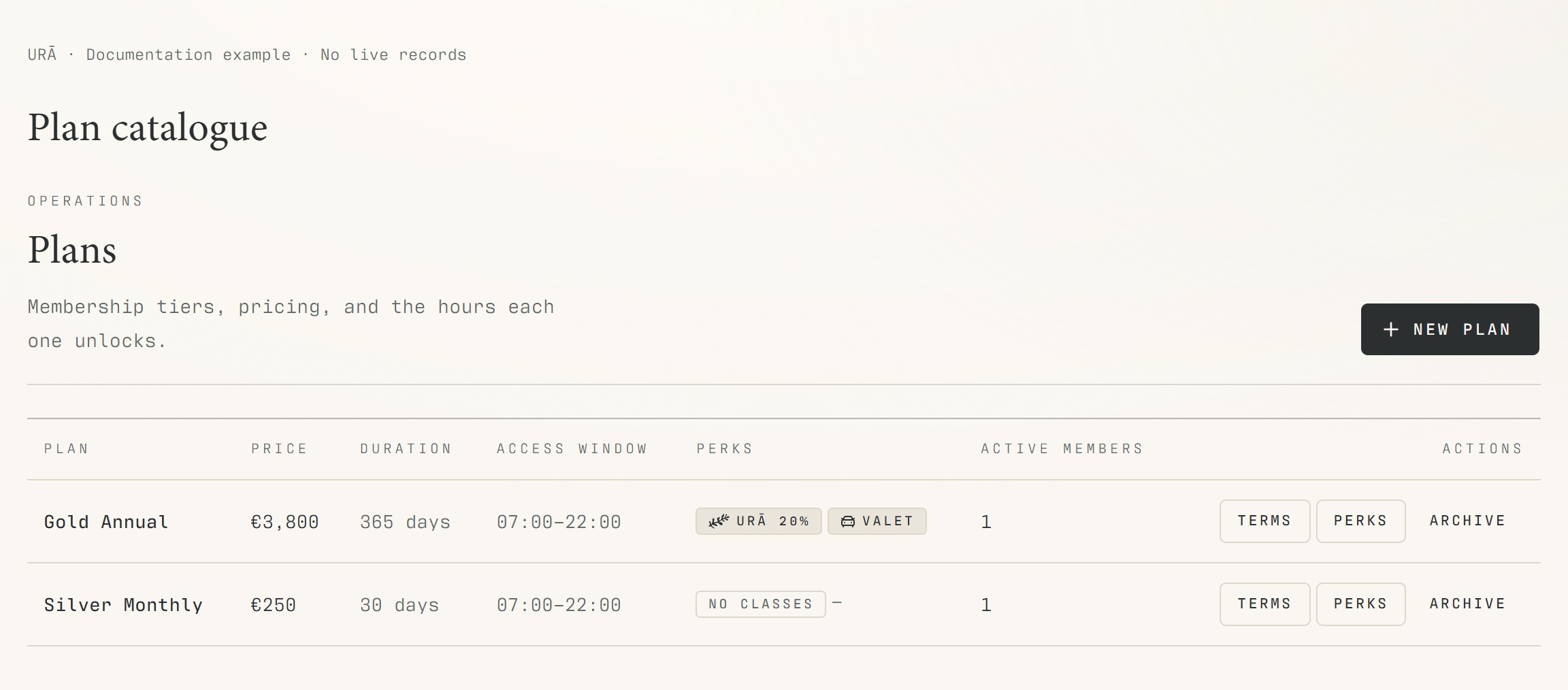
Open Plans with an account that has permission to manage plans.
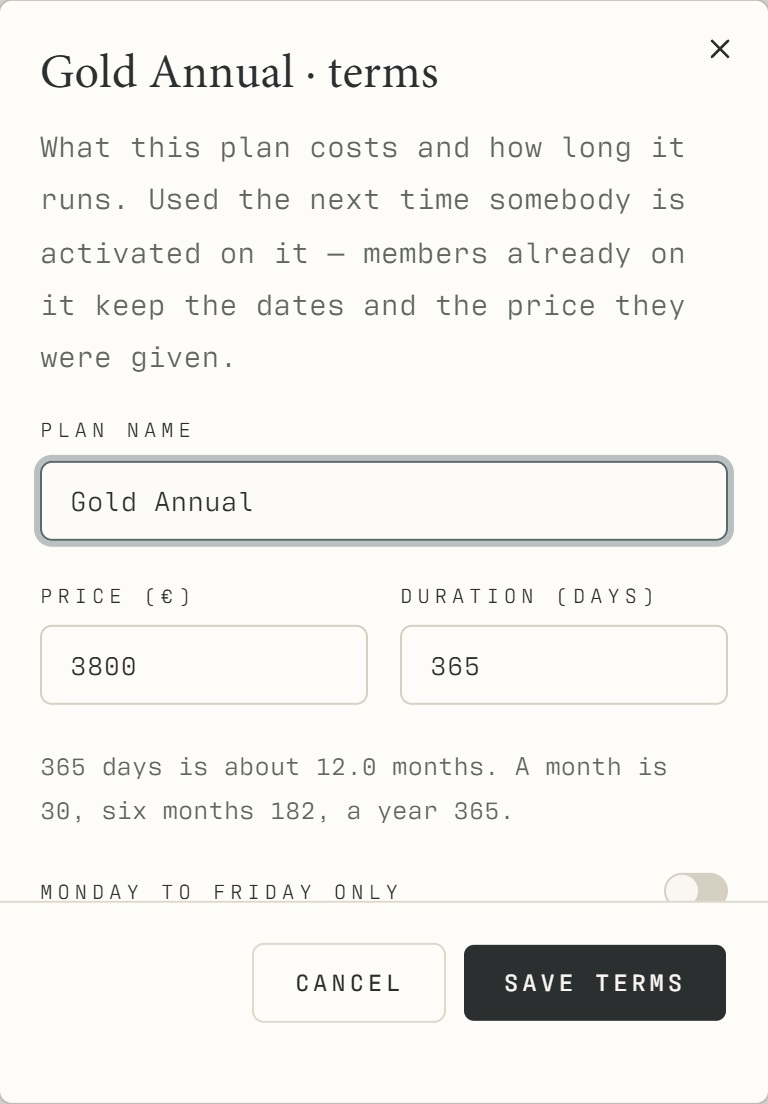
Create a plan or open an existing plan for editing.
Review its name, price, duration and benefits before saving.
Deactivate a plan that should no longer be offered, rather than reusing its name for an unrelated product.
Open Members → Plans filter and check that the active catalogue appears.
What should happen
The active catalogue reflects your saved changes and supplies the Members plan filter. Deactivated products stop being offered as current filter choices.
Example
Retire Silver 3 Months and maintain Silver Monthly as its own current product; then check the member filter after refreshing.
Screen guide
Troubleshooting
Will changing a plan rewrite old purchases?
Do not assume historical purchases or existing assignments are changed by editing the catalogue. Check those records separately. Deactivate an obsolete product rather than renaming it into a different offer that would confuse history.
Understand the difference
- Account / access pass
- An account lets a person sign in. Club entry also depends on membership or visit validity, payment, approval and restrictions. Guests use their private browser pass rather than needing a member login.
- Plan allowance / prepaid package / courtesy
- A plan allowance is a membership benefit. A prepaid package has its own session balance. A courtesy invitation is granted at no charge. Select the correct entitlement instead of changing the membership to make a treatment fit.
Before you finish
Changing the catalogue does not by itself prove an existing member's assignment or accounting record was changed. Review those records separately.