Record or review an access restriction
Use a reason and verify the matching person before applying a restriction.
Before you begin
Verify identity and contact details carefully. Record a factual reason suitable for internal staff review.
What to do
Open Members → Blacklist & guests, or review the warning on a member's profile.
Identify the correct person and check their contact details.
Record the restriction and a clear reason using the available controls.
Check the profile warning and current access state.
Have an authorized manager review a disputed or incorrectly matched restriction.
What should happen
The correct person's profile shows the access warning. Authorized staff can review the restriction when reception opens the record.
Example
Two people with similar names must be checked using contact details and identity; a name match alone is insufficient.
Screen guide
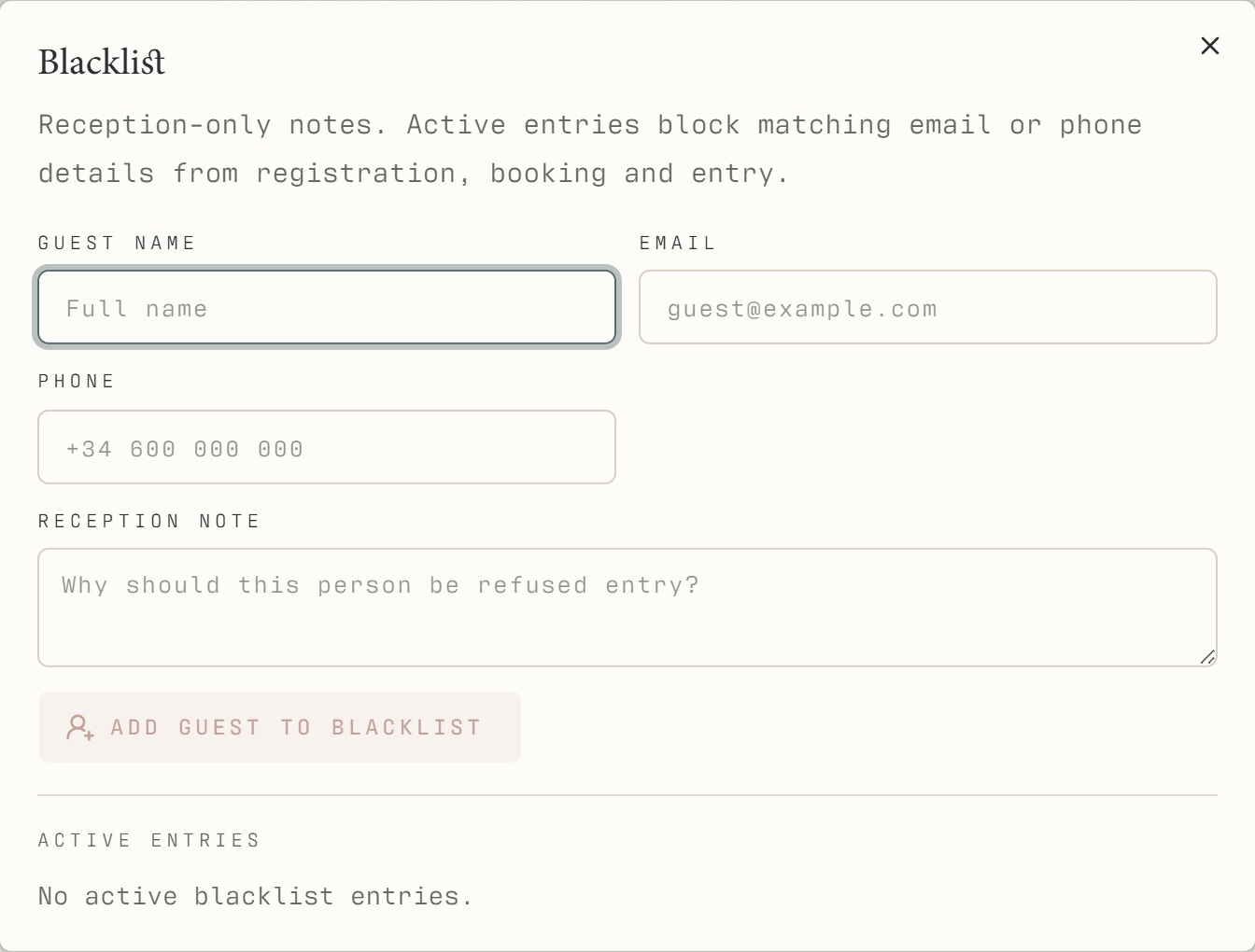
Troubleshooting
The restriction seems to match the wrong person.
Ask an authorized manager to review the matching details and original reason. Do not create a new profile or alternate visitor pass to get around the restriction. Keep real restriction details out of public screenshots.
Understand the difference
- Account / access pass
- An account lets a person sign in. Club entry also depends on membership or visit validity, payment, approval and restrictions. Guests use their private browser pass rather than needing a member login.
- Plan allowance / prepaid package / courtesy
- A plan allowance is a membership benefit. A prepaid package has its own session balance. A courtesy invitation is granted at no charge. Select the correct entitlement instead of changing the membership to make a treatment fit.
Before you finish
Only authorized staff should change access restrictions. Public guide screenshots contain example data and do not reveal real restriction reasons.