Manage bookings on the web
Review reservations, payment status and cancellation options.
Before you begin
Decide whether you need to cancel a future place, correct a past service, or query a payment. Each has a different workflow.
What to do
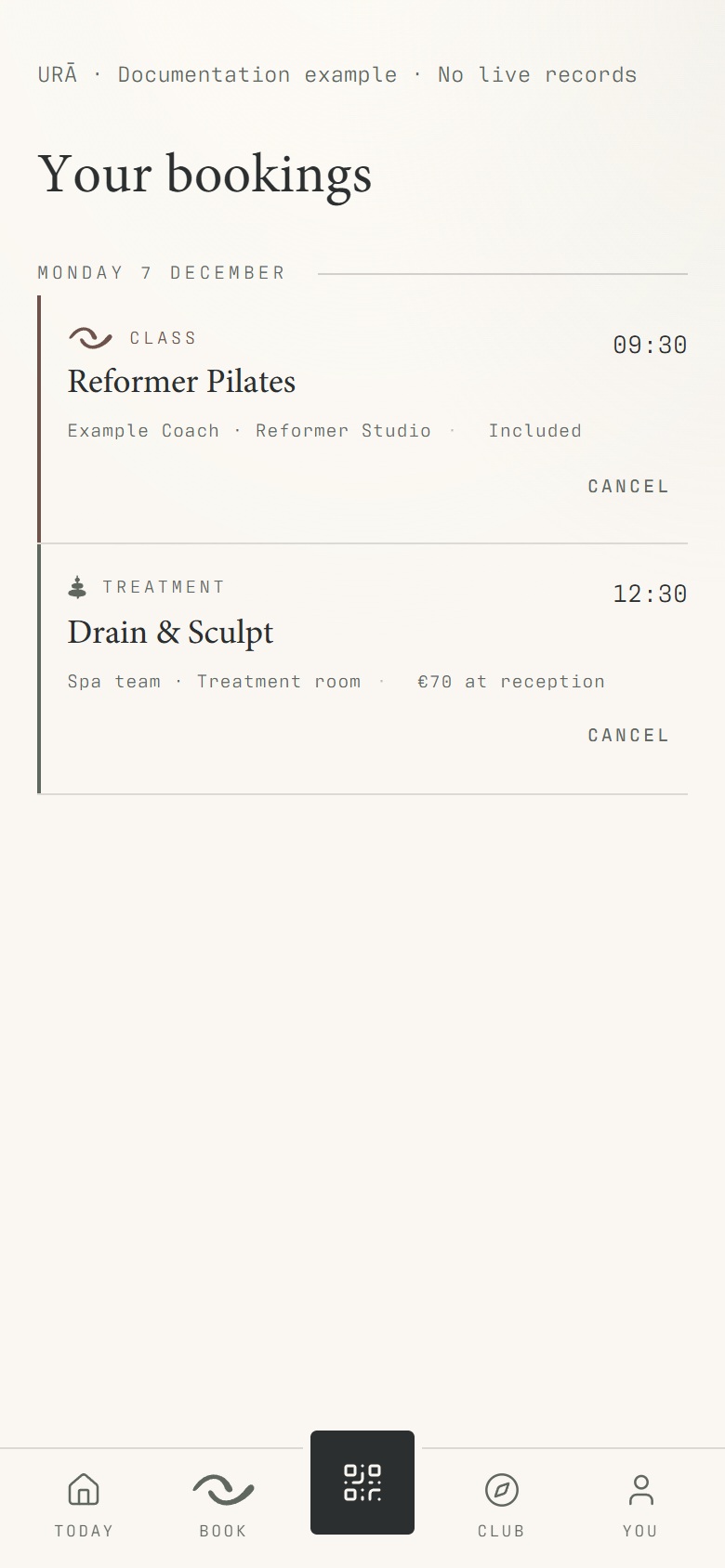
Open Bookings in your account navigation.
Find the reservation under the appropriate upcoming or past section.
Check the date, time and payment label.
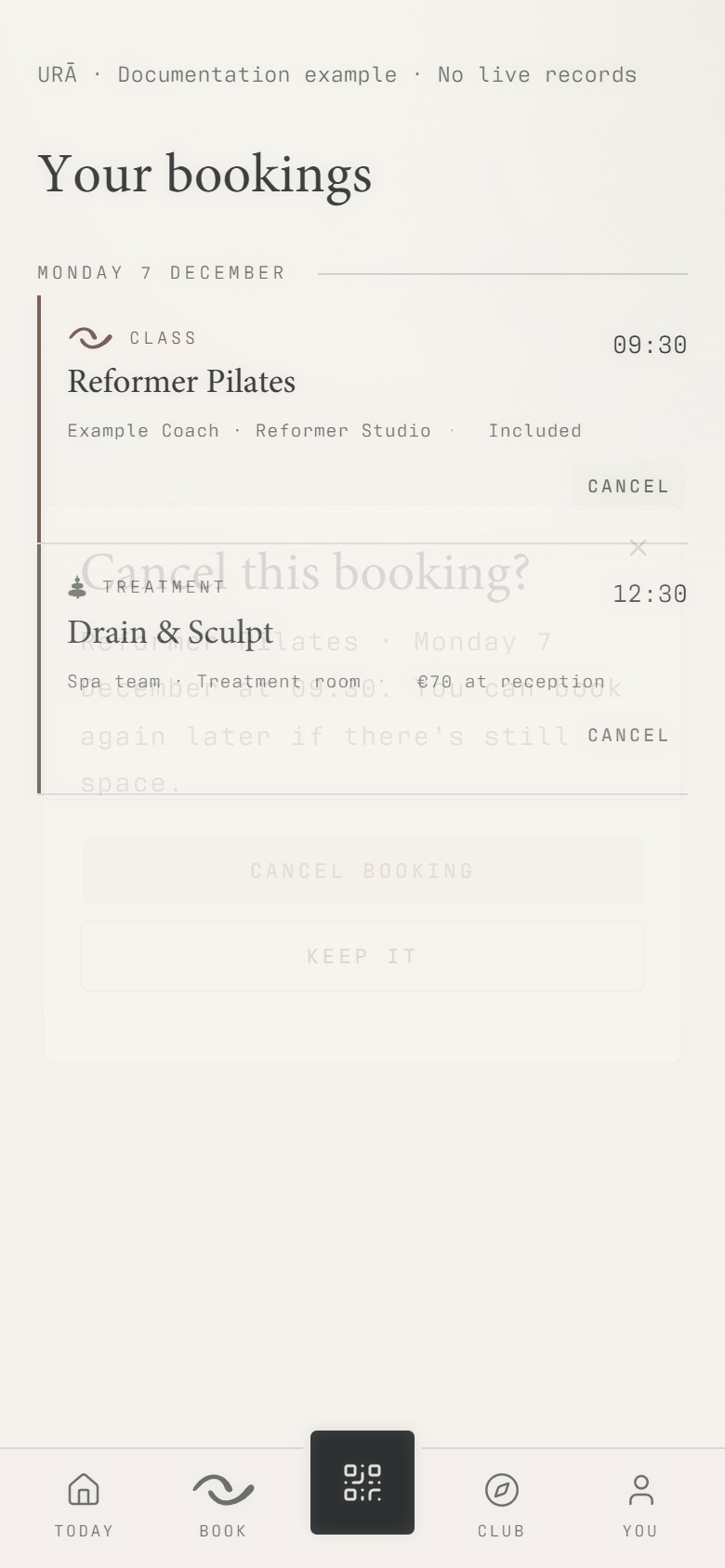
To cancel an eligible upcoming reservation, select Cancel and read the confirmation before proceeding.
Refresh the list if needed and check the updated state.
What should happen
The list shows the current reservation and payment labels. Reception handles historical corrections that the member view does not offer.
Example
Cancelling a class booking releases that reservation; cancelling the whole class is a staff schedule action.
Screen guide
Troubleshooting
The appointment says Completed and payment pending.
Completed describes delivery of the service. It does not mean payment was recorded. If you have already paid, ask reception to match the receipt to this appointment and record the correction.
Understand the difference
- Account / access pass
- An account lets a person sign in. Club entry also depends on membership or visit validity, payment, approval and restrictions. Guests use their private browser pass rather than needing a member login.
- Plan allowance / prepaid package / courtesy
- A plan allowance is a membership benefit. A prepaid package has its own session balance. A courtesy invitation is granted at no charge. Select the correct entitlement instead of changing the membership to make a treatment fit.
Before you finish
Contact reception for changes to an already completed appointment or a payment that was recorded incorrectly.