Use URĀ in a browser
Access your account on a computer, tablet or phone.
Before you begin
Use the club's website and the email attached to your existing account. On a shared computer, avoid leaving your session open.
What to do
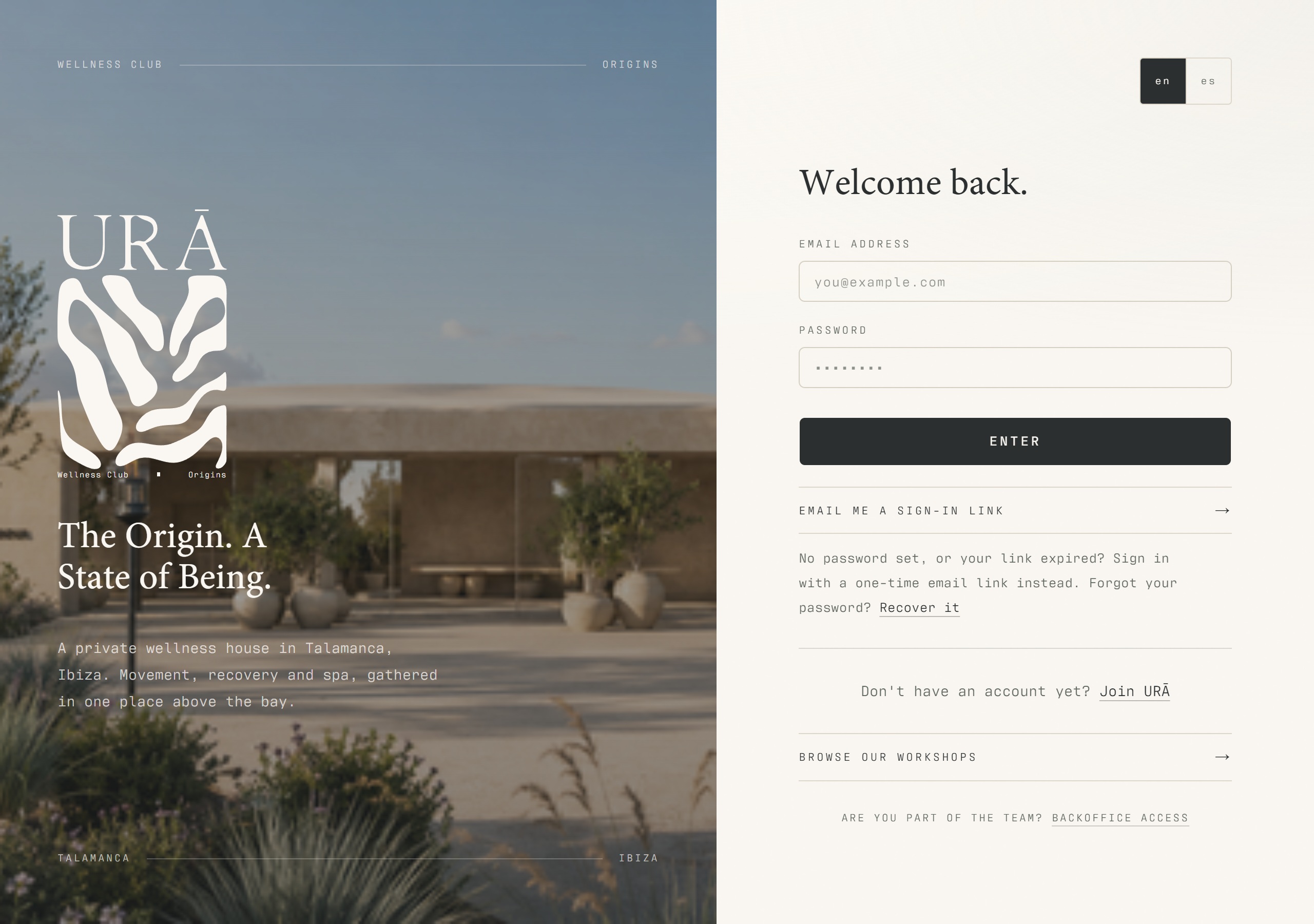
Open urawellnessclub.com and choose member sign-in.
Sign in with your existing email and password, or request a one-time email link.
Use the sidebar on a computer, or the bottom navigation on a phone, to open Book, Access, Club and your profile.
Save the website address for your next visit.
What should happen
Your member area shows the same account information used for bookings and entry. Navigation adapts to the available screen width.
Example
A day-pass visitor can use their unique visitor URL directly; they do not need to register as a member to display that pass.
Screen guide
Troubleshooting
I am a trainer and can only see a member profile.
Use Staff access with the invited staff email. A member account is not a substitute for a staff login. Ask management to check the role if the correct staff account cannot open its assigned area.
Understand the difference
- Account / access pass
- An account lets a person sign in. Club entry also depends on membership or visit validity, payment, approval and restrictions. Guests use their private browser pass rather than needing a member login.
- Plan allowance / prepaid package / courtesy
- A plan allowance is a membership benefit. A prepaid package has its own session balance. A courtesy invitation is granted at no charge. Select the correct entitlement instead of changing the membership to make a treatment fit.
Before you finish
Members and staff use different areas. Staff should use Staff access; creating a member account does not create a staff login.